

Standalone tiles
General functioning
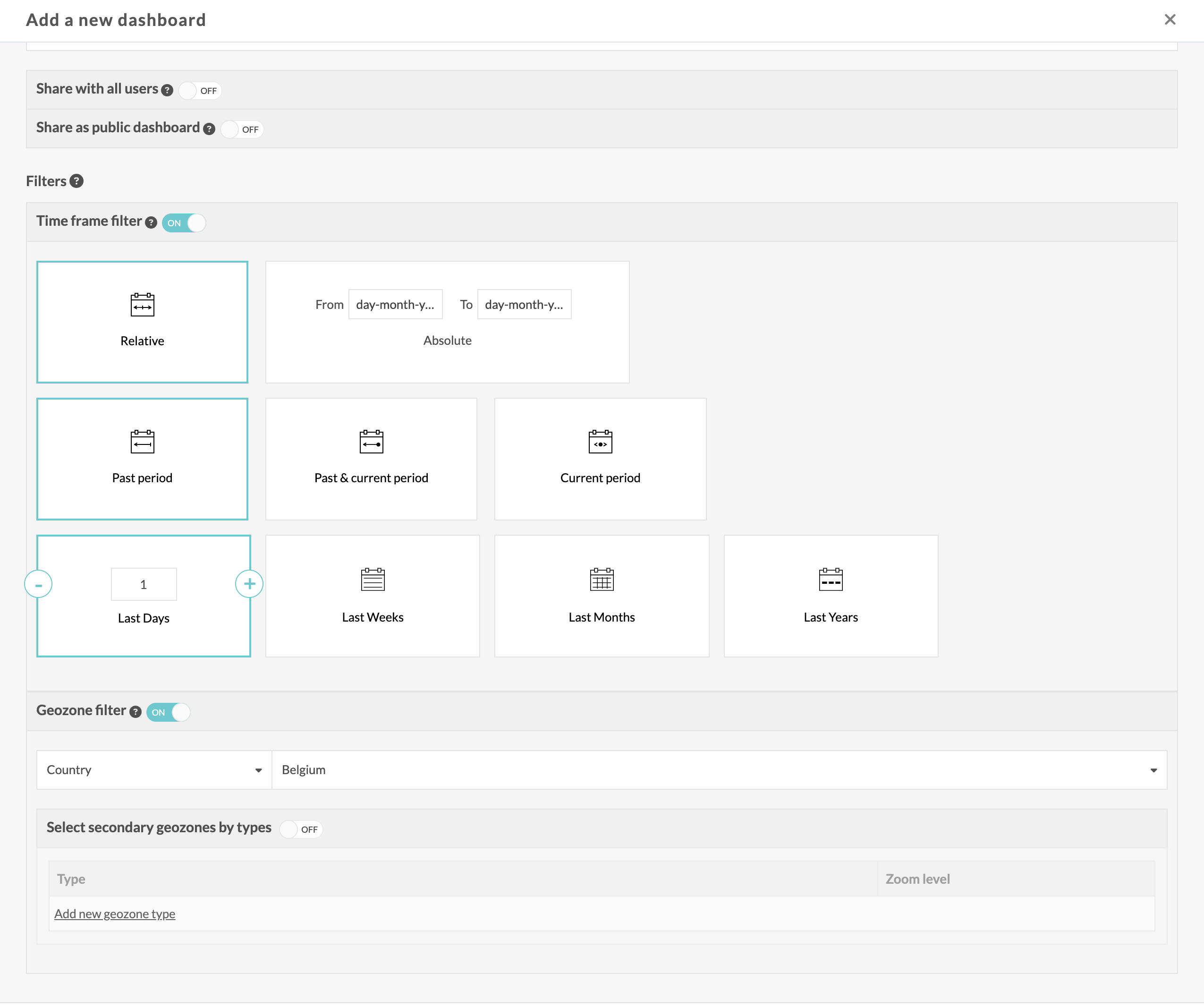
When creating a dashboard, it is possible to set timeframe and geozone filters.
These filters will be applied by default to all tiles on the dashboard.
It is possible to override the filters on a tile-by-tile basis using two toggles in the tile configuration screen.
"Make the graph standalone from the dashboard"
- Timeframe
- Geozone
If TimeFrame is enabled, the tile filter overrides the dashboard's TimeFrame filter.
If Geozone is enabled, the tile filter overrides the dashboard's Geozone filter.
Note:
- Geozone filters are a paid feature. Without the option, the filters and switches will not be visible.
- These switches are only visible if the dashboard defines a default filter (TimeFrame or Geozone).
A tile can be made autonomous:
- from the time filter only
- from the geozone filter only
- from both filters
- or from none
API
The APIs available in the dashboard controller will allow you to control these toggles.
DOCS 2026.10
Documentation changelog →